
What is a VPN? Everything You Need to Know (2026)
Start here
What a VPN actually does
A VPN, or Virtual Private Network, creates an encrypted path between your device and a remote server. Instead of sending your traffic through the internet in an easily readable way, it encrypts the connection first. That changes two things right away: your normal public IP is replaced by the VPN server’s IP, and your traffic becomes much less useful to anyone trying to inspect it along the usual route.
For a beginner, that means a VPN is basically a shield plus a route changer. The shield is the encryption. The route changer is the VPN server that websites see instead of your home or phone connection. If you want to go deeper after this page, start with VPN protocols, which server to choose, and what a kill switch does.
Why Americans use VPNs in real life
Public Wi‑Fi
At Starbucks, airports, hotels, and shared workspaces, a VPN makes your traffic much harder to inspect. That is one of the most practical everyday reasons people turn one on. See VPN for public Wi‑Fi.
Streaming
Many users care less about theory and more about content access. A VPN can help when traveling or when you want a different regional route for Netflix and other services.
Gaming
Some players use VPNs to reduce DDoS exposure or route around bad paths. The value is not universal, but for the right game or network it can be very practical. See VPN for gaming.
Phones first
For a lot of users, the first real use case is not a desktop at all. It is an iPhone or Android phone used on the move.
Want a simple next step?
If your goal is stronger privacy, safer public Wi‑Fi, fast apps on every device, and clear long-term pricing, these are the three names most beginners compare first.
Disclosure: these are partner links, at no extra cost to you.
What is a VPN used for, and how do you turn it on?
Most people use a VPN for four practical reasons: safer public Wi-Fi, more privacy from their internet provider, better protection on phones and laptops, and more flexibility for streaming or travel. Some users also turn it on while gaming or remote working, especially when they want a cleaner route or an extra layer of protection on networks they do not control.
Turning a VPN on is usually simple. You install the app, sign in, and tap the main connect button. On iPhone, Android, Windows, and Mac, most mainstream apps are designed around that one action. Turning it off is just as simple: open the app and tap Disconnect, or disable the VPN inside your device settings.
Starbucks Wi‑Fi, airport networks, and everyday risk
Most users finally understand VPNs when they imagine themselves checking email, logging into a bank, buying a ticket, or opening a work document on a network they do not control. That could be a coffee shop, an airport, a hotel, a conference space, or a school network. In all of those places, your normal connection is only as trustworthy as the network in front of you.
A VPN does not solve every digital problem, but it does solve a very practical one: it stops your traffic from moving through that local environment in the most readable way possible. That alone makes it valuable for everyday users, especially when the app is fast enough that it does not feel like friction. Read more in VPN for public Wi‑Fi.
What about iPhone, Android, and mobile data?
For a lot of Americans, the main computer is their phone. That changes the beginner explanation. A VPN on your iPhone or Android device is not a separate internet. It is an app that protects your routine traffic while you move between Wi‑Fi and mobile data. That matters for banking, shopping, work accounts, private messages, and all the background app traffic you never think about.
That is also why setup needs to be simple. If turning the VPN on feels annoying, people stop using it. The best mobile apps are built around one clean button, smart reconnect behavior, and minimal battery friction. If you want platform-specific walkthroughs, open VPN on iPhone, VPN on Android, VPN on Windows, or VPN on Mac.
Quick video: VPN basics in everyday life
If the embed does not load, watch it on YouTube.
VPN vs. no VPN in 2026 US reality
| Feature | Regular Internet | With a Premium VPN |
|---|---|---|
| ISP tracking | Provider has a much clearer view of your traffic patterns | Encrypted route makes browsing far less readable in transit |
| Public Wi‑Fi | Higher risk on cafés, hotels, and shared networks | Encrypted tunnel makes routine use much safer |
| Price | $0 up front, but with more exposure and fewer protections | Often around $2 to $3.50 per month on longer plans |
| Streaming access | Normal region and normal route only | More flexibility for travel and region testing |
| Gaming | Standard route, standard exposure | Possible routing benefits and better DDoS protection in some cases |
The “best” VPN is not the one with the loudest ad copy. It is the one that stays fast, reconnects cleanly, and works on the devices you actually use every day.
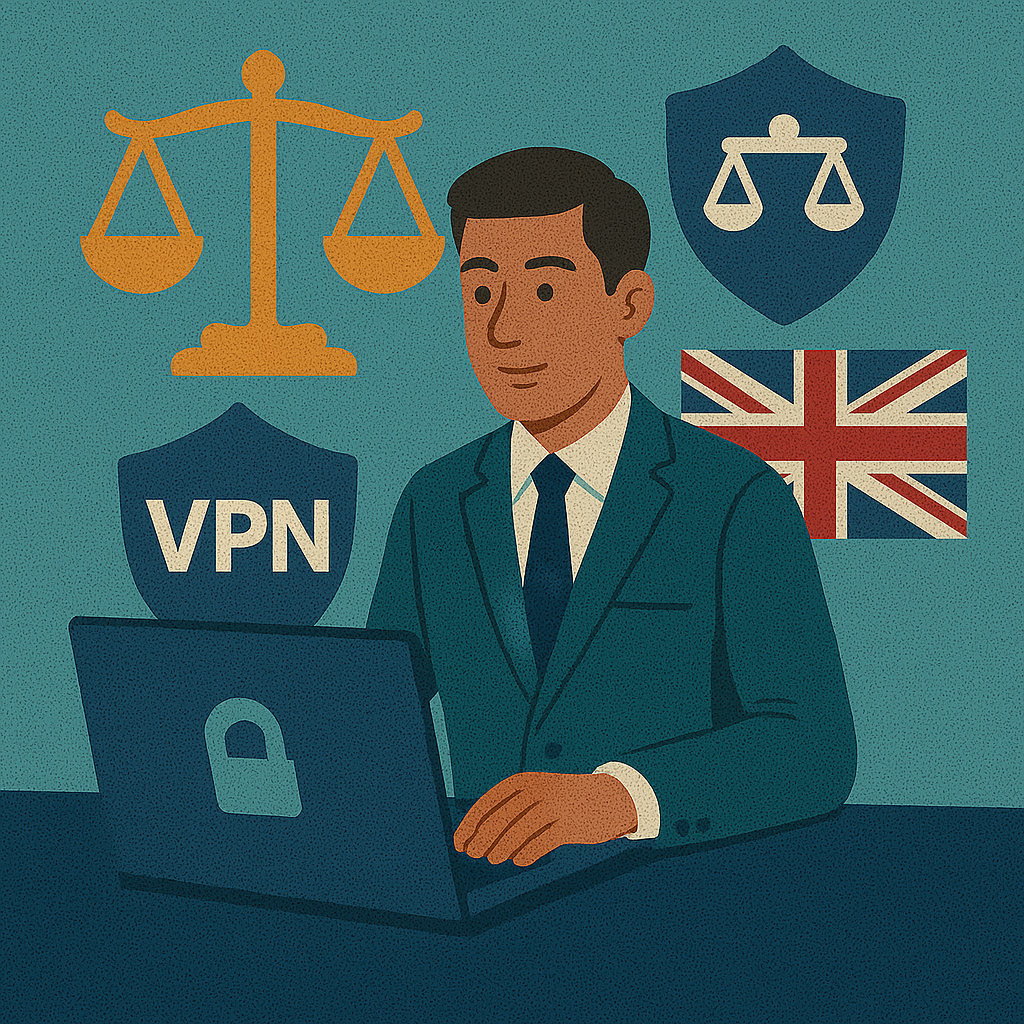
The US data privacy shield
This is the simplest way to understand the whole concept: the VPN does not erase the internet. It changes the route and wraps the traffic in encryption before it travels through your ordinary provider path.
Common questions about VPNs
Can I use a VPN for free?
Yes, but you need to be selective. A reputable free tier is very different from random free apps that make money from your data.
What is a VPN and why do I need it?
It is a privacy and security tool that encrypts your traffic, helps protect personal data on public Wi‑Fi, and reduces what your ISP can easily inspect.
How do I turn on VPN?
Install the app, sign in, and tap Connect. Most modern VPN apps are built around that single action.
How do I know if I have a VPN connection?
Check the app status, look for the VPN icon on your device, and confirm that your visible IP has changed.
What is a VPN used for?
Privacy, public Wi‑Fi safety, remote work, streaming, gaming, and reducing ISP visibility.
What is a VPN on my iPhone?
It is an app and system profile that encrypts traffic from your phone while the VPN is active.
How do I turn off VPN?
Open the app and tap Disconnect, or disable it in your device settings.

About the author
Denys Shchur writes practical VPN and privacy guides focused on real-world security, device setup, streaming, public network safety, and everyday usability.
Ready to move from theory to a real setup?
The easiest next step is to pick a provider with fast apps, clear pricing, a working kill switch, and simple setup on the devices you actually use every day.
Disclosure: these links are sponsored.