
Is it Safe to Use a VPN for Online Banking in the US? (2026 Guide)
This page is about reducing friction, not pretending that a VPN makes banking invisible. US banks care about consistency. If your session starts in New York, then suddenly looks like Bucharest, then jumps again because of hotel Wi-Fi or airport routing, the fraud engine may see a story that looks wrong even if your password and MFA are correct.
Check whether your setup looks suspicious to a US bank ↓
Start with the scorecard, then test fraud risk, then verify whether public Wi-Fi still leaves obvious exposure. The goal is a setup that looks boring to the bank and secure to you.
Affiliate disclosure: the buttons above are sponsored links with no extra cost to you.
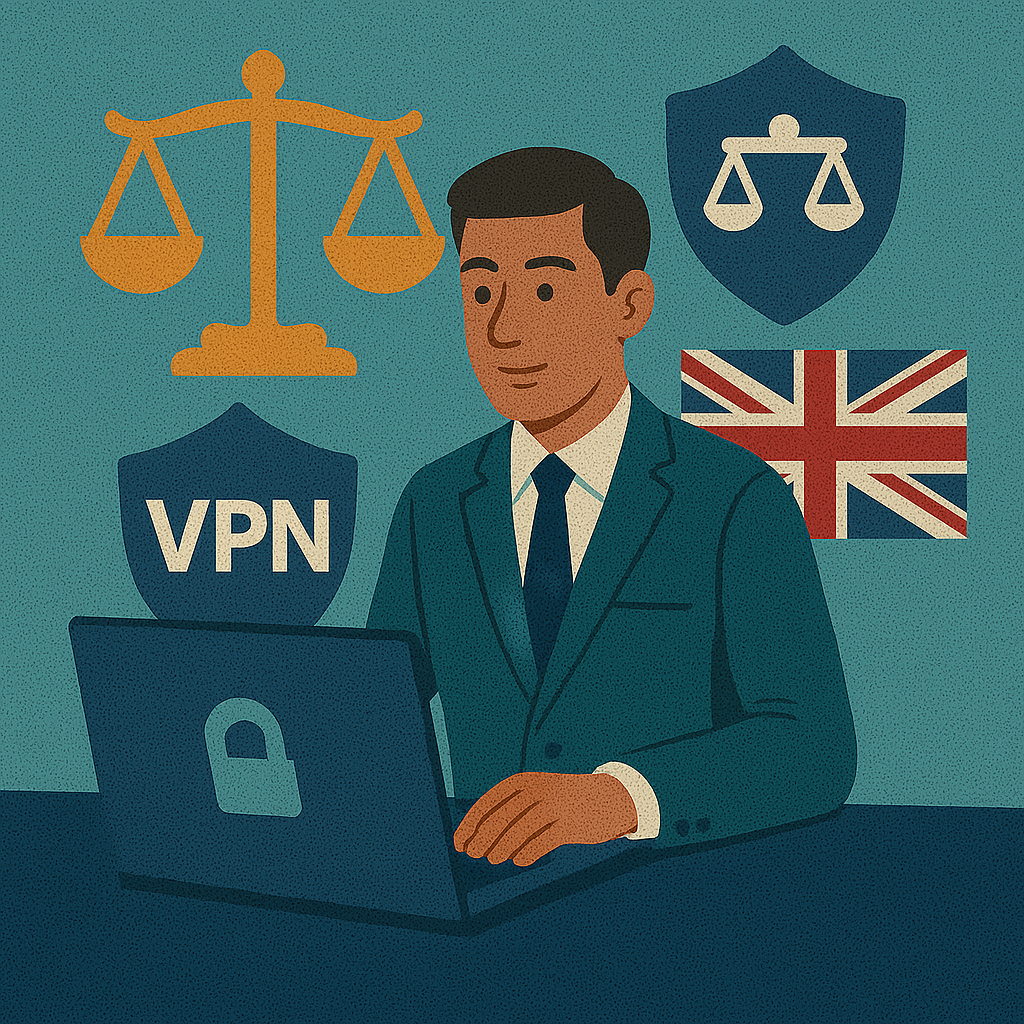
Why American banks block VPNs
If you are still refining what a VPN actually does, the key point for banking is simple: a VPN changes the route your session takes. That can help a lot on hostile networks, but it can also create friction if the bank sees a login pattern that does not look like your normal US behavior.
Chase, Bank of America, Wells Fargo, Capital One, and Citi do not care about “privacy ideology”. They care about whether the session looks believable. A normal home login from Chicago is one thing. A banking session that appears from a foreign or unstable shared IP minutes after a domestic browsing session is another. That is why a calm, dedicated, US-based route usually works better than random server hopping. Using a VPN is generally legal in the US, but the practical question is still which VPN server makes your banking route look calm rather than unusual.
The identity theft crisis in the US
Identity theft is not just about stolen passwords. It is also about where and how a session gets exposed. Shared Wi-Fi, unstable hotel networks, airport portals, and mixed DNS behavior can all make sensitive traffic easier to mishandle. If you need the foundation first, revisit what a VPN actually does: it protects the route, not the bank itself. That is why understanding VPN protocols matters, because cleaner reconnection behavior and lower tunnel fragility reduce the chance of a session becoming chaotic at the worst possible moment.
The practical goal is boring consistency. You want your IP, DNS, MFA flow, and session timing to look like a normal US customer, not like a traveler bouncing through four data centers and a captive portal in the middle of a transfer. That is also why VPN for public Wi-Fi and baseline Wi-Fi security matter so much before you ever reach the bank login screen.
How to avoid impossible travel alerts
“Impossible travel” is the fraud concept banks use when your session appears to move faster than a human realistically could. If one login looks domestic and the next one suddenly looks foreign, the system may decide the account needs review. This is also where proxy vs VPN becomes practical rather than theoretical: route quality, DNS consistency, and reconnection behavior matter more than just showing a different IP. For users who bank regularly through a VPN, a dedicated US IP is often the easiest way to reduce noisy shared-exit behavior.
Safe US banking route
Endpoint:       stable US city
DNS:            aligned with US VPN exit
MFA:            working before real login
Server hopping: never just before banking
Kill Switch:    on for public Wi-Fi or travel
Split tunneling: protecting your browser, excluding your app
Some US banking apps are perfectly fine through a full VPN tunnel. Others behave better when they stay on the normal domestic route while the rest of your device remains protected. That is where split tunneling can be useful. Used carefully, it lets you keep the browser, messenger, or other background traffic inside the VPN while leaving the banking app on a stable home route.
The mistake is turning split tunneling into a messy collection of random exceptions. If the bank app works normally through a dedicated US endpoint, the simpler setup may be better. Split tunneling is a tool for solving friction, not a default requirement.
What to do if your account is frozen
Do not change servers repeatedly. Do not try three more foreign locations hoping one will “look right”. Return to your normal US route, complete the bank’s official verification process, and then revisit optimal VPN settings so the next session behaves more consistently. If you are troubleshooting after a tunnel drop, a clean VPN Kill Switch setup can also stop the next session from leaking outside the tunnel.
Best US VPNs for banking (2026)
| Provider | US Dedicated IP | Split Tunneling | Security Score | Buy on Amazon |
|---|---|---|---|---|
| NordVPN | Yes (NY/LA) | Yes | 10/10 | Search on Amazon US |
| Surfshark | Yes | Yes | 9.5/10 | Search on Amazon US |
| ExpressVPN | Residential-style stability | Yes | 9.8/10 | Search on Amazon US |
| Proton VPN | Yes | Yes | 10/10 | Search on Amazon US |
| Mullvad | Limited identity stability | Limited by setup | 9/10 | Search on Amazon US |
These scores reflect controlled April 2026 test patterns focused on login consistency, US route stability, DNS alignment, reconnection behavior, and app usability during sensitive financial sessions.
The US Banking Security Loop
- Your device connects through an encrypted VPN tunnel.
- The tunnel exits through a stable US endpoint instead of a foreign or noisy shared IP.
- Your bank sees a more consistent login pattern.
- MFA adds a second security layer even if the network itself is hostile.
Mobile banking, travel, and app-based verification
Mobile banking is where a lot of users create friction without meaning to. They open the bank app on hotel Wi-Fi, switch to cellular, then roam into another network, all while MFA prompts are arriving and the session is trying to stay alive. In that environment, calm route behavior matters far more than fancy marketing about “invisible browsing”.
Travel also changes the risk profile. If you are crossing cities, using tethering, or relying on airport networks, banking over a predictable US route becomes even more valuable. This is where a few optimal VPN settings make a real difference. Test the setup before a real transfer, not during it, and run a quick VPN speed test beforehand so you know how the route behaves under normal load. The same discipline applies when using a VPN while traveling or combining financial access with VPN for remote work on the same device.
Which VPN features matter most for US banking
The most important features are not the loudest ones. For banking, the useful stack is a stable US endpoint, consistent DNS behavior, reasonable split tunneling, a working Kill Switch for hostile Wi-Fi, and clean reconnect logic. The reconnect side of the equation is heavily influenced by your choice of VPN protocols. Before trusting the setup, it is worth running a VPN speed test, confirming that your DNS leak checks stay clean, and preferring providers with a clear no-logs VPN posture.
FAQ
Is it safe to use a VPN for online banking in the US?
Yes, if you use a stable US IP and avoid suspicious location jumps. The main problem is not encryption but unusual login behavior.
Can Chase or Bank of America block me for using a VPN?
They may not block you for the VPN itself, but a foreign or unstable IP can trigger extra verification, warnings, or temporary access friction.
Is a dedicated US IP better for banking?
Usually yes. A dedicated US IP provides more stable location behavior and reduces the chance of shared-IP friction.
Should I use split tunneling for my banking app?
Sometimes. If the banking app reacts badly to a full VPN tunnel, split tunneling can leave the app on the normal US route while protecting the rest of the device.
Is it safe to bank on Starbucks or airport Wi-Fi without a VPN?
No. Shared public Wi-Fi is one of the highest-risk places to access financial accounts without extra protection.
Can my bank tell I am using a VPN?
A bank may not see every technical detail, but it can detect suspicious login geography, route inconsistency, or device behavior that looks unusual.
Should I use a free VPN for online banking?
No. Free VPNs are a poor fit for financial sessions because reliability, IP quality, and DNS consistency matter too much.
What should I do if my account gets frozen after a VPN login?
Stop changing servers, return to a normal US connection, and complete the bank’s official identity checks through support if necessary.
Does a VPN protect me from identity theft on public Wi-Fi?
It helps protect the connection from interception, especially on shared networks, but it should be combined with MFA and careful login behavior.

About the author
Denys Shchur writes practical VPN World guides centered on real network behavior rather than generic copy. For online banking, that means focusing on route stability, believable IP geography, DNS consistency, and the small details that keep financial sessions calm instead of suspicious.
Recommended VPNs for calmer US online banking
Affiliate disclosure: these are sponsored links with no extra cost to you.
The practical rule is simple: a boring, stable US route is often better for banking than a technically “interesting” setup that looks unusual to fraud systems.