
Setting Up a VPN on Your iPhone: A Complete UK Guide
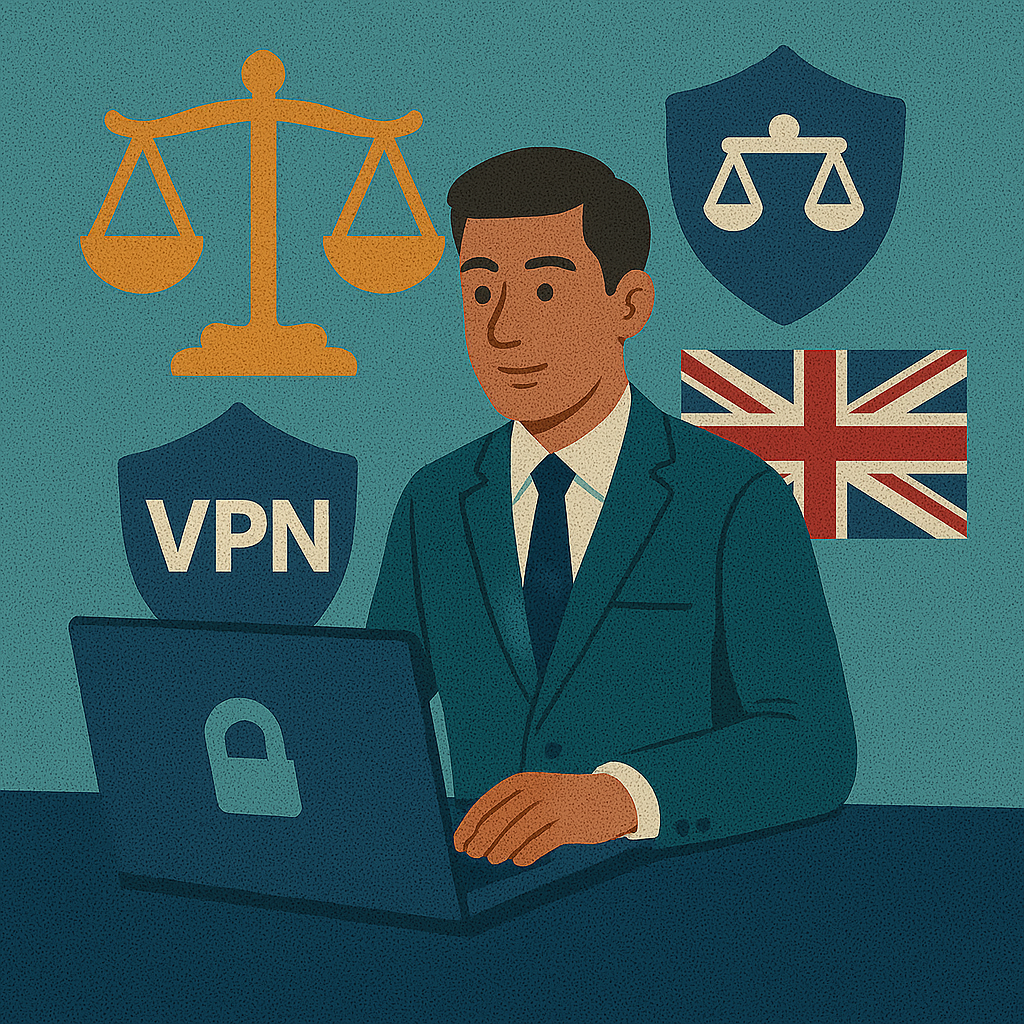
Start here
Why bother with a VPN on iPhone in the UK?
Whether you are commuting on the Tube, hopping onto station Wi‑Fi, sitting in a Costa with your iPhone on the table, or switching between home broadband and mobile data, your traffic moves through networks you do not fully control. That is the practical reason a VPN matters. It gives your connection a private tunnel and makes casual visibility into your traffic much harder.
For UK users, the topic lands a bit differently than it does elsewhere. Privacy is not only about dodgy café Wi‑Fi. It is also about a general unease with how much data is gathered, logged, analysed, and retained. People often mention the so-called Snooper’s Charter when they mean the UK’s surveillance and investigatory powers framework. A VPN does not place you above the law, but it can reduce how openly your browsing sits in the middle of public or poorly controlled networks.
On iPhone, the good news is that setup is no longer complicated. For most people, the app method is the right answer. For power users, manual setup still matters because it gives you a cleaner sense of what is happening underneath. For background reading, you can also see VPN on iOS, what a VPN is, and VPN legality in the UK.
What UK iPhone users usually want to know first
Public Wi‑Fi
The most obvious use case is public Wi‑Fi on trains, in cafés, hotels, airports, and shared accommodation. A VPN is not theatre here. It is a sensible layer. Read more in VPN for public Wi‑Fi.
Easy app setup
Most UK users want the clean route: install the app, allow the configuration, press Connect, and move on. Proton VPN and NordVPN tend to be the names people start with.
Manual setup
Manual iPhone configuration still matters for IKEv2 users, people who want a simpler profile, and anyone troubleshooting provider apps.
Police and logs
The legal fear is common but often muddled. The better question is not “can police track a VPN?” in the abstract, but “what logs exist, and what identifying data am I still exposing?”
Want the short practical route first?
If your aim is simply to protect your iPhone on public Wi‑Fi and get a clean connection fast, start with a reputable provider app. If you want more control, move to manual IKEv2 after that.
Disclosure: these are affiliate links. We may earn a commission if you buy through them, at no extra cost to you.
Method 2: manual configuration — the cleaner, more technical route
Manual setup is not the best route for most people, but it is still useful when your provider gives you IKEv2 or IPsec details, when you do not want to rely entirely on an app, or when you are fixing a broken app-based setup. The key thing is to avoid guessing. Manual VPN settings only work when your provider actually gave you the server, remote ID, local ID, account details, and authentication method.
- Open Settings.
- Go to General.
- Tap VPN & Device Management.
- Choose VPN, then Add VPN Configuration.
- Select the Type your provider told you to use, often IKEv2.
- Enter the server, remote ID, username, password, certificate or secret details exactly as supplied.
- Save the configuration and switch it on.
For many UK users, IKEv2 is the appealing “pro” option because it is tidy, efficient on mobile, and often reconnects well when your iPhone moves between Wi‑Fi and mobile data. But the appeal only matters if the provider supports it properly. If not, a polished app is often the more reliable answer. If you want the broader picture, see VPN protocols and optimal VPN settings.
The UK angle: BT, Sky, Virgin Media, public Wi‑Fi and privacy pressure
For UK readers, the VPN conversation often starts with public Wi‑Fi but quickly widens into something else: a broader discomfort with logging, filtering, and visibility. Your broadband provider might be BT, Sky, Virgin Media, TalkTalk, or something else, but the practical question remains similar — how exposed is your traffic when you are using a phone across mixed networks?
A VPN does not erase your identity if you are signed into personal accounts, nor does it exempt you from UK law. It does, however, make your ordinary browsing traffic much less open to casual visibility on shared networks. That is why the “Tube, station Wi‑Fi, flat white at Costa” scenario is actually more relevant than a lot of dramatic cyber wording. Your iPhone spends its day moving through environments with different trust levels, and a VPN can make those shifts less messy.
The phrase “Snooper’s Charter” still appears in search behaviour because people use it as shorthand for the UK’s surveillance climate. It is not a technical setup term, but it does explain why this topic has more emotional weight in Britain than it might elsewhere. If the legal angle is the main thing you want to untangle, read our UK VPN legal guide. If your concern is the network itself, move next to public Wi‑Fi or Wi‑Fi security.
Safety, privacy, police, and logs — what the answer really is
People often ask, “Can UK police track a VPN?” The clean answer is that a VPN is a privacy tool, not an invisibility spell. It protects traffic in transit and can reduce what a local network or casual observer can see. It does not make a logged-in social account anonymous. It does not hide who you are from a service where you have identified yourself. And it does not matter much if the provider keeps useful logs and you are still exposing plenty of other signals.
That is why the “no-logs” question matters more than dramatic slogans. A provider with a strong privacy reputation and clear logging policy is simply a better starting point than a flashy app with no serious transparency. For UK readers, this is also where the legal discussion becomes less abstract: the question is not whether a VPN creates a magical legal shield, because it does not. The question is what records exist, who can ask for them, and what your own behaviour still reveals independently of the VPN.
If this is your main concern, continue with no-logs VPN, VPN legal UK, and VPN for online banking.
App setup vs manual setup on iPhone
| Method | Best for | Main strength | Main weakness |
|---|---|---|---|
| Provider app | Almost everyone | Fast setup, clean interface, easier server switching | More app dependence, more moving parts |
| Manual IKEv2 | Confident users with supplied details | Lean setup, clearer control, often tidy on mobile | Only works if the provider actually supports and documents it |
| Free VPN app | Short tests and basic privacy checks | No up-front cost | Usually weaker consistency and fewer choices |
Quick video: VPN basics before you configure anything
If the video does not load, watch it directly on YouTube.
What happens when iPhone traffic goes through a VPN
Troubleshooting: what if VPN configuration will not add on iPhone?
If the configuration refuses to add, the failure is usually mundane rather than mysterious. The most common causes are an out-of-date iPhone, incorrect provider details, a device management profile that restricts changes, or a previous VPN profile clashing with the new one. If you are using the manual method, a single wrong IKEv2 field can break the whole thing.
- Check that iOS is up to date.
- Confirm the server, remote ID, and login details exactly as supplied.
- Look in VPN & Device Management for old profiles or restrictions.
- Remove any stale or duplicate VPN profile before trying again.
- Try the official provider app if manual setup keeps failing.
If the problem is broader than your phone, the related setup guides may help: Windows setup, router setup, and Mac setup.
Common questions
How to set up a UK VPN on iPhone?
The simplest route is a trusted App Store provider app. Install it, sign in, allow the VPN configuration, and tap Connect.
Can UK police track a VPN?
A VPN protects traffic in transit, but it does not make a logged-in personal account anonymous. The more useful question is what logs exist and what other identifying data you expose.
Should I allow VPN configuration on my iPhone?
Yes, if you trust the provider. That prompt is a standard iOS security step before your traffic is routed through the VPN.
Is there a free VPN for iPhone UK?
Yes. Proton VPN is one of the better-known free starting points, though paid services usually give you steadier performance and more control.
How do I add VPN configuration manually on iPhone?
Go to Settings, General, VPN & Device Management, VPN, then Add VPN Configuration. Choose the type and enter the details from your provider.
What if VPN configuration will not add on iPhone?
Check iOS version, remove stale profiles, confirm the server details, and see whether a management profile is blocking manual changes.
Should I keep VPN on all the time on iPhone?
For public Wi‑Fi and travel, usually yes. At home, it depends on battery, app behaviour, and whether you want a constant privacy layer.

About the author
Denys Shchur writes practical VPN and privacy guides for VPN World, focusing on real-world setup, network behaviour, and the trade-offs people actually face on phones, laptops, public Wi‑Fi, and travel connections.
Ready to sort your iPhone VPN properly?
If you want the least friction, use the app route first. If you want more control and your provider supports it, move to manual IKEv2 afterwards.
Disclosure: these are affiliate links.